
Greeley County Court Calendars Explained
Nebraska runs one statewide Case Calendar Search for its trial courts. It answers one question: when is a matter set? It is not a full case file. Choose Greeley County Court or Greeley District Court on the public form. The form draws its information from JUSTICE, the statewide trial-court case and financial system. Two cautions come with it. The system does not guarantee accuracy or timely entry. And a missing calendar result does not prove that no court date exists.
That matters in Greeley County because the two trial courts keep separate records. County Court handles traffic, misdemeanor, probate, small-claims, ordinance, most juvenile, and preliminary-hearing work. District Court holds felony trials and larger civil matters. Start with the court printed on a notice or case number. Use the calendar as one confirmation point. Then check the setting through the case's register of actions in JUSTICE or with the court clerk.
Using Greeley Court Calendar Filters
The Nebraska Judicial Branch calendar information is where a Greeley County court docket search starts. That page opens the statewide trial-court calendar. First pick County Court or District Court. The county selector that follows lists Greeley. From there, choose a search mode. Search By Date takes a current or future date. Search By Last Name takes a party surname of two or more characters. Reset and Search buttons sit at the bottom of the form. The site offers no Greeley-specific daily docket and no local courtroom PDF.
| Calendar field | Form requirement | Greeley use |
|---|---|---|
| Court Type | Required radio choice | Select County Court or District Court before choosing the matching Greeley list. |
| County Court / District Court | Required after the court-type choice | Choose Greeley from the court-level dropdown. |
| Search Type | Required radio choice | Choose Search By Date or Search By Last Name. |
| Search Value | Required name or date entry | Use a current/future date or at least two letters of a last name. |
| Search and Reset | Form controls | Submit the selected fields, or clear an uncertain entry before trying another route. |
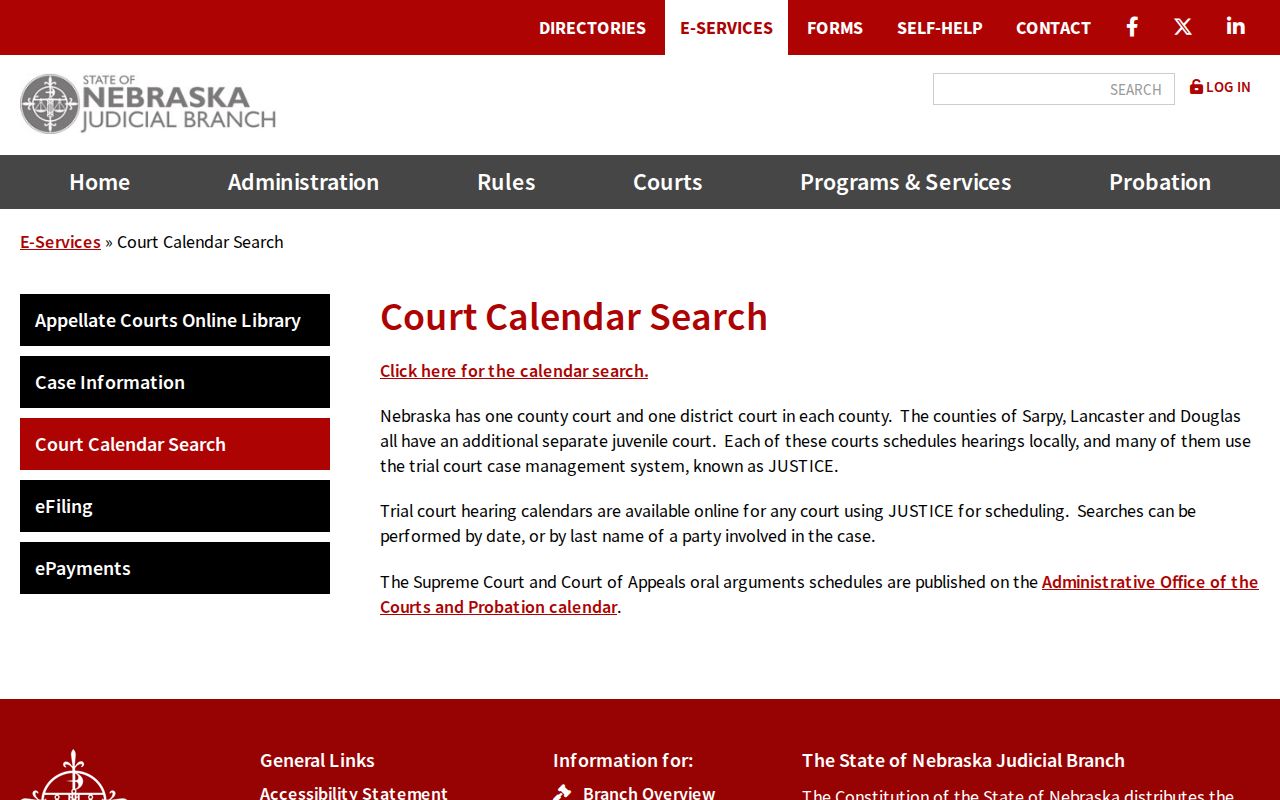
Pick the correct court level before typing a name. That single step keeps a Greeley court date search aimed at the record that can actually hold the setting.
Finding Your Court Date
Use the online calendar when the question is a current or future hearing. If a result seems unclear, do not treat the calendar as a complete docket. Compare it with the register of actions in JUSTICE. Calendars return setting-oriented information. JUSTICE case detail adds the surrounding filings, orders, and case status. A free public JUSTICE terminal also sits at the courthouse. It covers party-name or case-number searches during regular court-office hours.
- Identify County Court or District Court from the notice, case number, or case type. Do not treat the two Greeley trial courts as one calendar selection.
- Open the statewide calendar form, choose the court type, then choose Greeley from its county list.
- Search by a current or future date, or use at least two letters of the party's last name. Record the case number, date, time, judge, and caption returned.
- Open the matching JUSTICE case detail or use the free courthouse terminal to read the latest register entry. An earlier setting may remain in the chronological record after a later change.
- For a time-sensitive question, call the Greeley court office at 308-428-2705 or ask at the clerk counter. The clerk can explain the local viewing procedure and whether the entry should be confirmed from the court record.
The official calendar replaces nothing. It does not stand in for a notice from the court, an attorney's advice, or the clerk's case-specific confirmation. Its strength is speed, a direct search path when the correct court and a reliable name or date are known.
Greeley Court Date Search Modes
Date and name searches answer different questions. Use a date search when an upcoming day is known. The goal is seeing which matters are set then. Use a last-name search when the date is unknown. It needs at least two surname characters. It can also return no entry for reasons besides the absence of a hearing. The form limits date searches to the current day and future dates. So it is not a historical-calendar archive.
| Search mode | Best use | Greeley limit to remember |
|---|---|---|
| Search By Date | Checking an expected current or future court day | Past dates are not available through the public calendar form. |
| Search By Last Name | Locating a current or future setting for a known party | Use at least two characters, then verify the court and case number. |
| JUSTICE case detail | Reading the case register behind a calendar hit | It is a separate statewide case search and may reflect a stated 24-hour public-search lag. |
The District Court availability notice lists counties not included at that time. Greeley is not among them. Even so, picking the right Greeley court type still controls the search. The official calendar form shows the public search interface and its court-level choices.
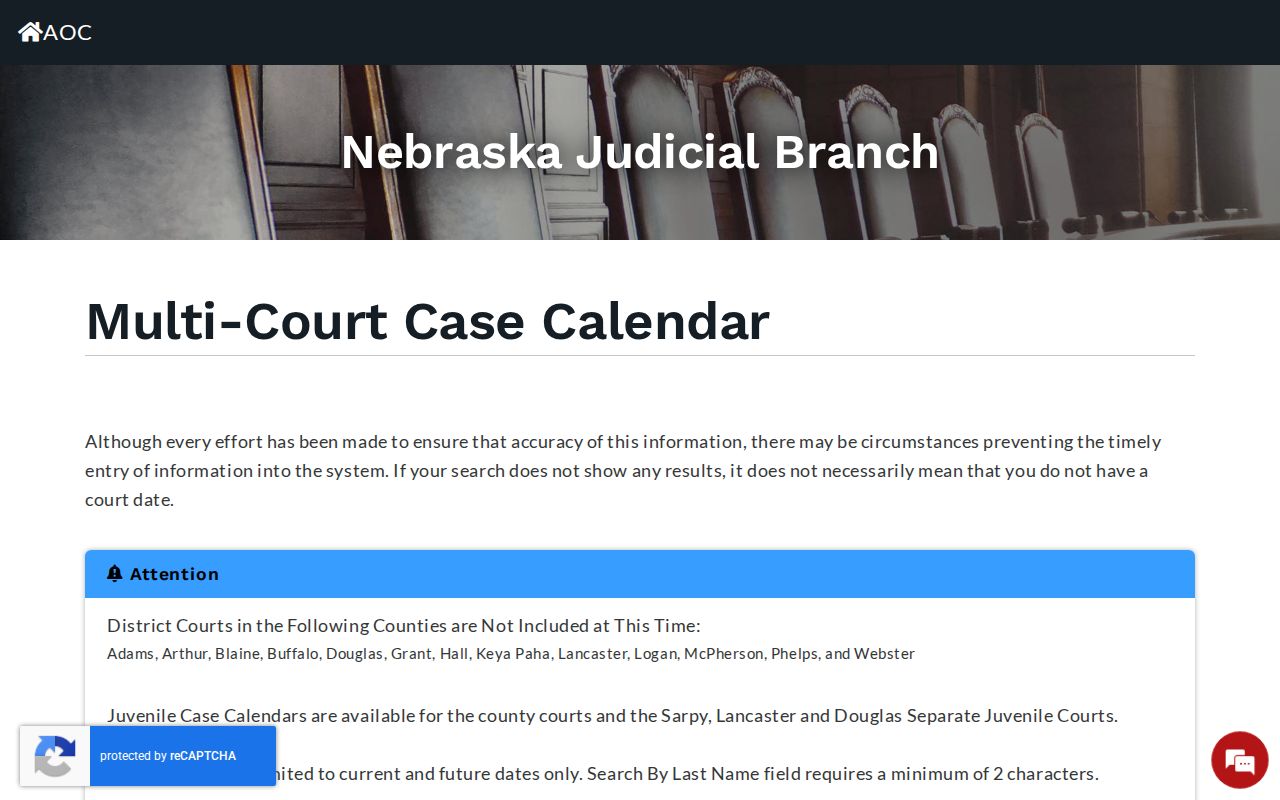
Treating the date and name options as separate routes makes it easier to spot a result that needs a second check through the register or the clerk.
How to Read a Court Setting
A court setting is an entered time for a hearing, trial, conference, or other event. Nothing more. The statewide calendar publishes no Greeley-specific setting-type menu. So labels come from the actual result and case register, not assumptions. Terms like initial appearance, arraignment, pretrial or status conference, motion hearing, plea or waiver, bench trial, jury trial, sentencing, and review describe common kinds of court events. They apply when they appear in the record.
| Court | Whether the result belongs to Greeley County Court or Greeley District Court. This is the first routing check. |
|---|---|
| Date and time | The entered setting information. Reconfirm it when the matter is close in time or the register shows a later change. |
| Case number | The identifier connecting the calendar result to the JUSTICE case detail and clerk-held record. |
| Caption or style | The case name or party description used to distinguish a matching result from another matter with a similar name. |
| Judge and setting information | Information shown when entered on the public result. No published Greeley source identified a courtroom-number field or a local setting glossary. |
The calendar holds no document images, financial information, or complete register of actions. Those are case-detail questions for JUSTICE, or for a requested copy, the appropriate clerk record.
Greeley Court Calendar and Register
Think of the Greeley court calendar and the register of actions as two tools. Each has its own job. A calendar hit points to a single upcoming setting. The register works differently. It lists everything in the case file in order: filings, hearings, orders, and other events. A date that shows up once as a notice may later be continued or reset. The old line can stay on the record as history even after a newer entry supplies the date that counts. So read the most recent entry before trusting an older one.
A JUSTICE case detail may include the case summary, the parties, financial information where it applies, the register of actions, judge notes, and nonconfidential document images when available. That makes the register the place to learn why a Greeley hearing moved. The calendar shows current or future settings. Search by name or case number. The filters on the Greeley case lookup page are the way in.
The county also publishes a general reference on its Greeley County Court Office page.
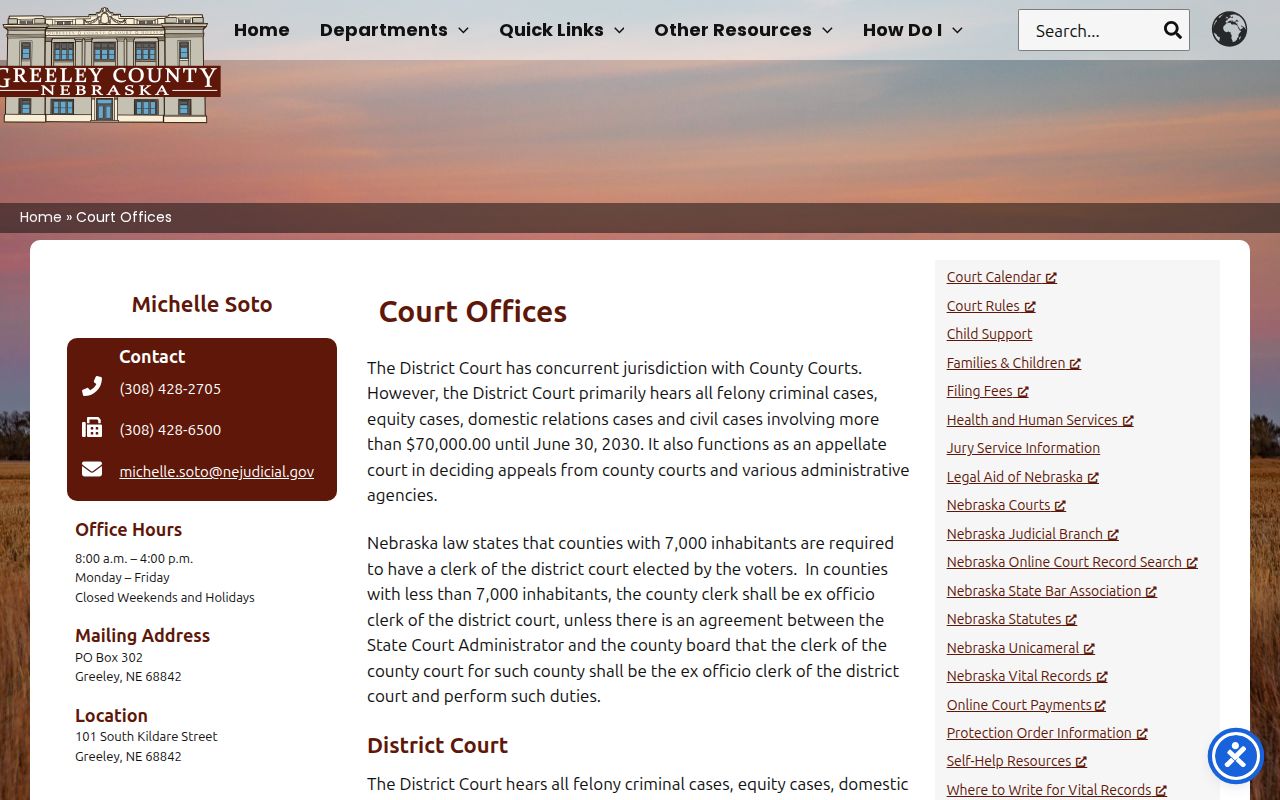
When the calendar and the register disagree, do not guess. The court office can give a case-specific confirmation.
Continuances, Resets, and Cancellations
A continuance or reset simply changes an earlier setting. In a Greeley case, the original event stays in the register. It is part of the case history. Your job is to find the later order, notice, or setting entry that supersedes it. The public calendar usually shows the present setting when its entry is available. But the calendar's own notice warns it may not be complete or timely. A blank result is not a cancellation.
Greeley County posts no daily docket PDF. There is no public Zoom link, no weather order, and no local docket-call deadline. That absence is one more reason not to read a cancellation into a stale calendar line. Work in order: the current calendar, the latest register entry, then the clerk's office.
Greeley Court Date Reset Checks
Start any reset check with the case number. Search the calendar for the current or future setting. Then open the case detail and compare its latest scheduling entry. Nothing there? Strip out an uncertain name detail. Confirm you have the right Greeley court, and search again. A brand-new filing may also sit outside the stated public-search refresh window. The calendar itself warns that a no-result search is not proof. So checking both sources matters.
If the outcome affects an appearance you must attend, call 308-428-2705. Give the clerk the court name, the case number, and the date in question. The official court pages list separate mailing boxes for County Court and District Court. Both share that one phone line. A clerk can route a record question to the right court. That beats inferring a setting from an outdated entry.
One more wrinkle: the Judicial Branch's website-address update explains why older official links may still point to a prior Nebraska court domain.
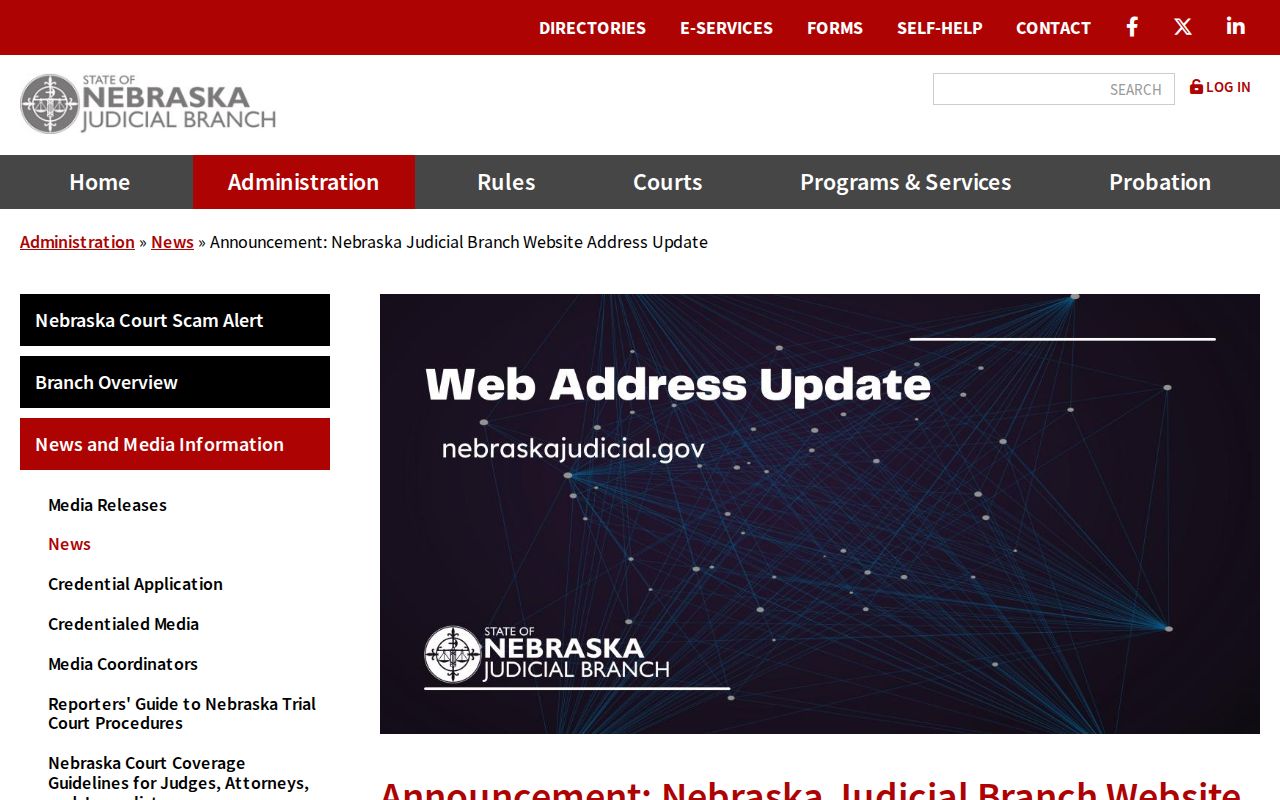
A saved calendar link that redirects or shows an unfamiliar address is a sign to start from current Judicial Branch pages.
If You Miss a Court Setting
Miss a Greeley setting? Act fast. Check the case number in both the calendar and the JUSTICE register. Then call the court office at 308-428-2705. Ask how to confirm the record and which court holds the matter. The calendar alone cannot tell you whether a judge has responded to an absence. If counsel represents you, contact that attorney promptly as well for the case-specific next step.
Do not rely on a blank calendar result. The statewide form expressly warns that no result does not necessarily mean that no court date exists. Confirm the latest setting through the case register or the Greeley clerk before treating a missed or moved date as resolved.
Greeley Court Date Jury Calls
Jury scheduling runs on its own narrow channel. Greeley County's jury-service information tells jurors to call a schedule message. It operates 24 hours a day. The message updates whenever the trial schedule changes. Jurors should call after 5 p.m. the night before they appear. That line serves jury service only. It will not return every case's hearing date.
For a case setting, stick with the statewide calendar, JUSTICE, and the court clerk. For a summons, follow the instructions on it and on the county's jury-service notice. Keeping those routes separate stops a jury-message update from being mistaken for a case-calendar result. The Greeley County jury-service page spells out the local call-in instruction.
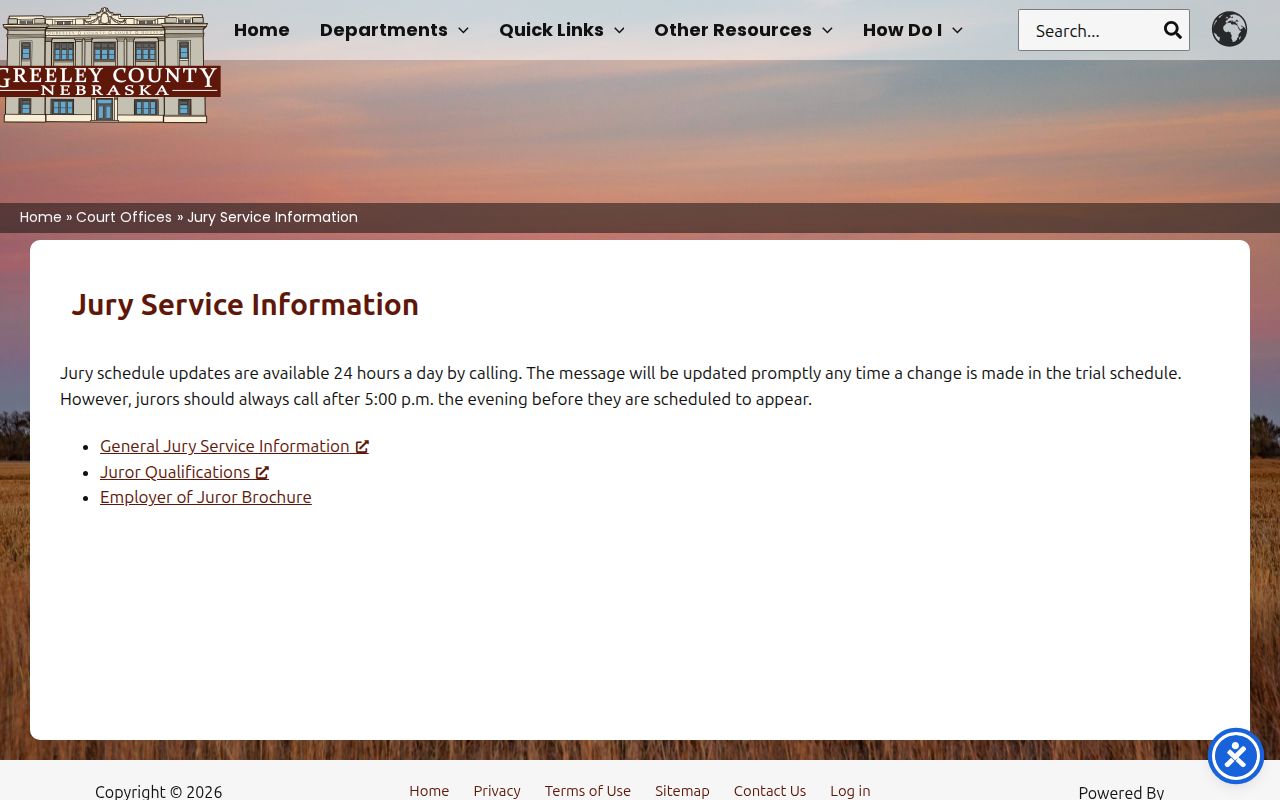
The jury message serves summoned jurors. The calendar remains the public tool for current and future case settings.